Why Turnitin Flags Citations, Quotes & References: What It Really Means
When I first used Turnitin to submit a paper, I was both shocked and somewhat concerned to find that some of the quotes,all correctly cited and references I used were picked up in the similarity report. I’d used quotation marks appropriately, and had a full bibliography, but chunks of my own writing still appeared as “matches.”
I spent some time learning how Turnitin works and looking at the official documentation, and it turns out that this is expected behavior. Turnitin is not deciding what counts as plagiarism, only that something matches something else – and so it flags quote blocks, and citations, because they match.See full instruction on Turnitin Similarity reports explained.
In this article, I’ll discuss why citations are flagged more often than people expect, what false-alarms look like, how I interpret these matches, and when they might contain a legitimate concern.
1. How Turnitin Detects Text Matches (Including Proper Citations)
Turnitin compares the text of your paper with a large database that includes internet content, publications and other students’ papers. It highlights any text in your paper that is the same or very similar to text elsewhere. The similarity report tells you what text was reported as a match. The similarity rate indicates how much of your text was reported as a match;but it does not judge plagiarism itself.
Which means, even if you are following proper academic practice, there are some examples where some of the text in your paper will still be reported as a match:
● Exact quotations, even if in quotation marks
● Entries in your reference list and bibliography
● Common phrases and highly technical terminology
Turnitin reports all of the above because it is unable to determine whether the matched text was properly cited and is in common use to academics.
2. Why Properly Cited Material Still Appears as a Match
1. Quoted text & block quotes.
If you are quoting from somewhere, you are already effectively gifting a very high similarity, no matter if your formatting was correct or not. This is expected behavior from Turnitin - if it is an exact match (or close enough) it will match back to the source automatically. The higher similarity is a misrepresentation of actual similarity, this does not mean the quote is inappropriate—only that it is identical to a known source. So be careful when your instructor is reviewing your similarity report, especially if you are using a very long block quote that may be in a book or journal article.
2. List of references & Bibliography
Turnitin will consider anything repeated, even if it is a list of references at the end of your paper. If a reference entry looks like this: Smith, J. (2022) Research methods in education
The configuration of Turnitin is set up in such a way that it will consider this to be a match, because the text is similar somewhere, and therefore you will see a match in your similarity report if you have not filtered citations. Of course, this is why I always filter citations in my Turnitin environment. ..etc.
3. Common Academic Phrases and Templates
Also, if you are using certain generic phrases or templates, or are citing known research studies that use similar text, you may find that your similarity percentage is affected because of these generalized phrases that you are using. This is not a citation back, it’s just a generic phrase, and therefore it does not indicate citation error if it matches back.
3. What “False Alarms” Sound Like
Sometimes people refer to “false positives” in similarity reports, when Turnitin identifies text that belongs in proper academic writing, like:
● Same citations in many student papers
● Bibliography items with entire common author name or journal title
● Academic terms or definitions that appear in many published articles
Turnitin is doing exactly its job here, showing you where text from your file matches something in Turnitin’s database. The match isn’t an admission of plagiarism, though, as one guide reminds you. Think of Turnitin as a text-matching tool, not a tool for judging academic integrity.
4. How I Check & Interpret Flagged Citations
When I see citations or references highlighted in a similarity report, I follow a few steps to interpret what’s going on:
1. Look at the Detailed Match Report
Rather than obsessing over the overall similarity percentage, I click into the detailed report to see exactly what text was matched and where it came from. Turnitin lists each matched source and shows the exact lines of text that triggered the match.
2. Ask: “Is this properly cited?”
If the matched text is in quotes and has a full citation in my bibliography, then I don’t worry about it being flagged, it’s just Turnitin showing that the text exists elsewhere. This is especially common with long quotes from books or articles.
3. Use Filters If Available
In some versions of Turnitin, there are filter settings that can exclude quoted text, references, or small matches from the similarity score. If my institution offers this, I’ll use it to see what portion of the text is actually uncited matching material.
4. Compare Contexts
Sometimes matches come from similar wording used by other students or in publicly available texts. I always check whether the match is merely a common academic phrase (which is usually fine) or a section that should be paraphrased or properly attributed.
5. When a Citation Match Is Signaling Some Problem
Not every Citation or Reference Match is a non-issue. There are times when you're huddled over a flagged text, and you know exactly what you're looking for:
● A large chunk of text that matches but isn't quoted or attributed
● A Reference entry that is improperly or incompletely cited
● A snippet of citation text copied directly into your prose without obvious formatting
In these situations, you're looking to the Similarity report to point out chunks of text that might want to be revised. Do a close reading of these matches with your Instructor or Writing Advisor to determine if a revision is necessary.
6. What I Do to Reduce Unhelpful Flags Without Breaking Formatting
Over time I developed a checklist that helps me minimize confusing matches without breaking the required academic format:
● Paraphrase where appropriate, rather than relying entirely on block quotes
● Ensure all direct quotes are properly formatted and attributed
● Use Turnitin’s exclusion filters, if my institution permits them
● Check the bibliography formatting to make sure entries are consistent and clear
Doing these doesn’t stop Turnitin from matching text, but it helps clarify what portion of the similarity score reflects genuinely uncited or problematic text rather than properly attributed academic content.
7. Summary: Your Citations Are Usually Not the Problem
If your Turnitin similarity report highlights citations, quotations, or reference entries, it usually reflects how Turnitin matches text—not a problem with your academic practice. Turnitin’s role is to identify textual overlap with existing sources so that similarities can be reviewed in context. It does not evaluate intent, quality of citation, or academic misconduct on its own.
Properly cited quotations, reference lists, and widely used academic phrases often appear as matches because they are identical or highly similar to material already published elsewhere. This is expected behavior, especially in disciplines that rely on shared terminology or standard citation formats. A higher similarity percentage in these cases does not automatically signal plagiarism.
What matters is how those matches function in your paper. When quoted material is clearly marked, sources are fully referenced, and similar phrasing reflects common academic usage, similarity highlights are typically informational rather than problematic. In practice, instructors review these matches alongside formatting, attribution, and context before drawing any conclusions.
For that reason, a similarity report should be read as a diagnostic tool, not a verdict. Understanding why citations and references are flagged allows you to interpret the report accurately and focus your revisions on genuine issues—rather than being misled by perfectly legitimate academic writing.
This summary reflects how I interpret Turnitin similarity reports in practice; institutional policies and instructor judgments may vary.
Frequently Asked Questions (FAQ) — Turnitin & Citation Matches
Why does Turnitin flag properly cited quotes and references?
Answer:
Turnitin is designed to detect text similarity, not decide whether you committed plagiarism. It simply highlights text that matches content in its databases, even if correctly quoted or cited. So quotes and reference list entries will often be flagged because they exactly match published text.
Does a high similarity score always mean plagiarism?
Answer:
No. Turnitin’s similarity percentage measures how much of your text matches other sources, but it doesn’t determine intent or improper use. Matches from quotes, bibliographies, or common terminology can inflate similarity without indicating misconduct. Only an instructor or institution can make a judgment about plagiarism.
Can I exclude quotes and references from the similarity score?
Answer:
Yes — many Turnitin versions let you filter out quoted text and bibliography/reference lists when viewing the report. This doesn’t change the official similarity score your instructor sees, but it helps you focus on uncited matches.
Why does Turnitin match common academic phrases or templates?
Answer:
Turnitin doesn’t understand meaning — it looks for text that is the same or very similar. Common academic phrases, headings, and standard phrasing that appear in multiple publications can be flagged as matches even though they’re widely accepted in academic writing.
Should I worry if all my references are matched?
Answer:
Not usually. If your references are correctly formatted, Turnitin will still find matches because they exist in other papers or online sources. Most instructors know this and interpret reports with context. You can also filter out references to get a clearer view of matches in your actual writing.
What does Turnitin compare my submission against?
Answer:
● Turnitin compares your text against a huge database of:websites and archived online content
● student papers previously submitted
● periodicals, journals, and publication databases
Any text similar to content in those sources may be highlighted.
How do instructors usually interpret Turnitin matches?
Answer:
Instructors generally use the similarity report as a tool to identify areas that need review — not as a verdict. They look at what text was flagged, how it’s cited, and whether matches reflect proper academic use before concluding there’s an issue.
What’s a “reasonable” similarity score?
Answer:
There’s no universal benchmark that applies to every assignment. Acceptable similarity depends on your instructor’s expectations and discipline. A moderate score may be fine if matches are from correctly cited quotes or references. Focus on the nature of matches, not just the percentage.

Related Articles
View all
Is 25% Turnitin Similarity Bad? How to Interpret Matches & What Matters Most
Got a 25% similarity score on Turnitin and feeling worried? This guide breaks down what that percentage actually means, how to examine the matched text, and when a high similarity score is truly a concern, beyond just a number.
What Percentage Is Acceptable on Turnitin? Why Context Matters More Than the Number
There’s no single “acceptable” Turnitin similarity percentage, what matters most is how matches were generated and interpreted. Learn why context matters more than a number, how to read your report, and when to consult your instructor.
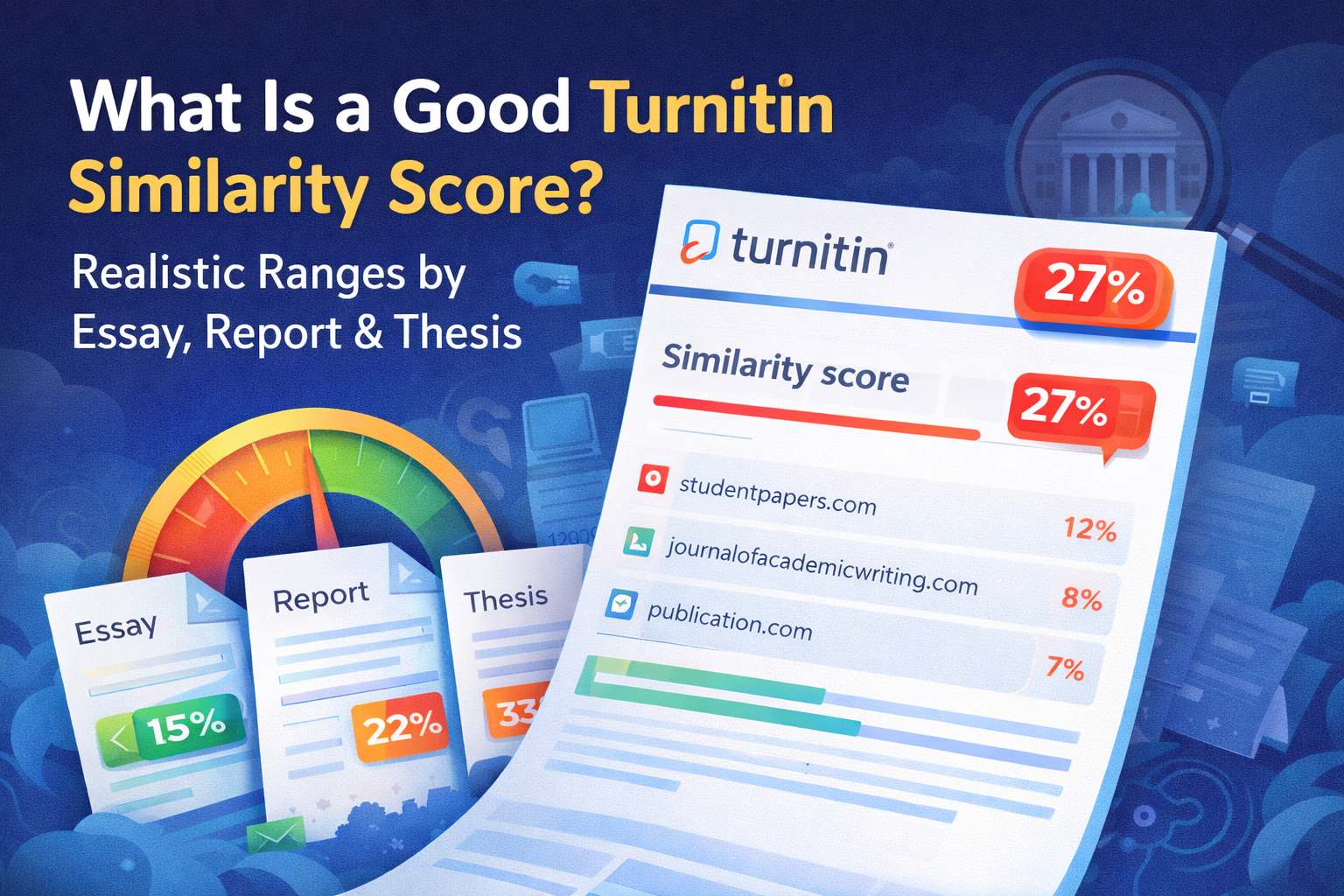
What Is a Good Turnitin Similarity Score? Realistic Ranges by Essay, Report & Thesis
Wondering what similarity percentage is considered acceptable on Turnitin for essays, reports, and theses? This guide explains realistic score ranges by paper type, why numbers vary by context, and what to check first when your score looks high.