Similarity Report vs Plagiarism: Why Turnitin Matches Don’t Automatically Mean Cheating
1. The panic sentence I see over and over
It usually goes like this:
“My Turnitin says 28%… is that plagiarism?”
I understand why that number feels like a judgment. It’s glowing, it’s quantified, it’s sitting right next to your submission like a warning label. But Turnitin’s own documentation makes it plain that the core misconception is:
Similarities Report is a list of matching text (overlap) for humans to review – it does NOT a judgment calling plagiarism.
This post is about delating two things students (and sometimes even your entire class) will conflate:
● what Turnitin sees, and
● what your school may judge.
2. Quick answer: similarity is a map of overlap, not a cheating verdict
A Similarity Report on Turnitin is simply a text-matching report: it shows you which portions of your submission turnitin can find that are similar to other sources on turnitin. The matches are shown in highlighting, and are described by turnitin as “instances of text similarity.” Turnitin specifically states that they do not “always indicate plagiarism”‐ and that you can get matches from quoting, citing, or referencing bibliography material.
Turnitin also say this to students, explicitly warning against the following:
● A large similarity score does not necessarily mean plagiarism.
● A small similarity score does not necessarily mean there is no plagiarism.
If you want realistic ranges by paper type (and which to actually fix first) then read this blog: Turnitin Similarity Score Explained (2026): What It Really Tells You and How to Use It.
3. Similarity vs plagiarism: the simplest way to keep them straight
Here’s the mental model I use: similarity is something a tool can compute; plagiarism is something people evaluate.
Concept | What it is | What it does not prove | Who decides? |
Similarity (Turnitin) | A percentage of your text that matches other sources | Intent, misconduct, “cheating,” academic guilt | Turnitin flags matches; humans interpret |
Plagiarism | Improper use of others’ words/ideas (context + attribution matter) | Not reducible to a single % | Instructor/institution review |
That’s why “Similarity Report vs plagiarism” isn’t a semantics debate, it changes how you react. If you treat the similarity score like a verdict, you’ll revise in panic (often badly). If you treat it like a map, you’ll revise strategically.
4. What Turnitin is actually showing inside the report
When you go in to the report(and not just the % badge), what you are looking for is:
● An overall similarity percentage
● Highlighted passages in your text
● A list of sources that match, often ranked by contribution
● In newer report experiences, a clearer breakdown of match types and tools to refine the report (filters/exclusions)
The key to understand is this, that the report is trying to answer the question “Where is the text similar?” and not “Is this plagiarism?”
This is why there can be “matches” that are perfectly fine and also why there can be a low score that actually contains a big problem(one paragraph and copy pasted)
5. “Normal” matches that freak students out (but usually aren’t cheating)
A lot of overlap is normal academic writing behavior. Here are the big ones that inflate similarity without automatically creating a plagiarism problem:
Quotes and properly cited passages
If you quote a source and cite it correctly, Turnitin will still match the quoted words—because the whole point of quoting is that the words are the same. Turnitin explicitly notes matches can come from quoted or cited material.
References / bibliography
Reference lists often match because citation formats are standardized and thousands of students cite the same papers in similar ways. Turnitin’s student guide calls out bibliographic material as a common acceptable source of similarity.
Templates and common academic phrasing
Lab report structures, course templates, and “standard academic English” can create scattered matches. A few short matches across a paper can be totally harmless, even if they add up.
6. When similarity can indicate a real problem (pattern > percentage)
Rather than ask “Is 25% bad?” I’m interested in the patterns that are more likely to raise red flags for academic integrity.
Here are three “risk shapes” that matter more than a number:
1) One source takes up a body paragraph
If a body paragraph in your body text (not just references) has one source dominating the rest, that’s worth noticing. If the overall score is green, you still can look like you’re copying or have too-close paraphrase.
2) Long contiguous highlighted blocks
If a long, continuous block is highlighted, it’s usually more than “common phrases.” Usually it means copying, missing quotes, or a paraphrase that hasn’t shifted enough.
3) Too-close paraphrase
The tricky one: You changed words, but didn’t move the sentence structure or order of ideas. A similarity report can still call that “matching text” and an instructor may call you out on poor paraphrasing or bad reuse depending on your institution’s policy.
University guidance directed toward instructors often says that you can’t judge by the number, you read the report content
7. What instructors actually do with the report
Most instructors don’t look at the % and stop. A common workflow looks more like:
1. Open the full report and scan the top sources
2. Check where the matches appear (references vs body)
3. Decide whether the overlap is acceptable (quotes, citations, standard language) or problematic (missing attribution, large copied blocks)
That’s why “I’m under 15%” is not automatically a defense, and “I’m at 25%” is not automatically an accusation. The report is an investigative tool; interpretation is the human part.
In the new report, Match Groups: a better way to triage
If you’re familiar with the new Turnitin Similarity Report interface, you may see match groups. Turnitin states Match Groups are “matches grouped by whether or not it has identified in-text citations and/or quotation marks.”
8. Match Groups: a faster way to triage in the newer report
You’ll sort “ this is probably standard academic writing” from “this needs some attention” more efficiently.
Particularly clever when your similarities are made up of a mix of references, quotes and body-text.
It’s not a definitive statement, but it’s a more nuanced dashboard.
9. My 90-second way of reviewing similarity report without spiraling
When I'm being efficient (and not obsessive), I go like this:
I open the full report. I scan the top sources and ask: "Is this all references/quotes or is it body text?"
If it's all style references or properly quoted, I usually stop worrying. If there is one source taking up a whole paragraph or long contiguous highlight in the body, I hazard my revision there.
If you can filter out exclusions, I filter out my quotes/bibliography to see what the "body-text signal" looks like. Turnitin also showcases before-and-after it here in the overview of the Turnitin report experience : filters/exclusions are part of what you want to narrow down in your review.
Read: How to Download a Turnitin Similarity Report PDF (Where the Download Button Is)
10. What Turnitin doesn’t prove (and why that’s calming)
Two boundaries are worth keeping in your head:
1. Similarity doesn’t prove intent. It’s overlap, not motivation.
2. Low similarity doesn’t prove “all good.” A paper can be low-match and still violate
academic integrity in other ways (missing attribution to ideas, contract cheating, etc.). Turnitin and university guides stress the report is an aid to review, not a guarantee.
This is why a good goal is not “get to 0%.” A better goal is: make sure any overlap that remains is explainable and properly attributed.
11. Conclusion: treat similarity as a map, not a judgment
A Similarity Report is essentially a map of similarity. It tells you where parts of your text have similarities to other texts, so you and your teacher can determine if that similarity is appropriate.
So the aspiration is not to pursue a stupid percent. The aspiration is to ensure your report’s “story” is clean:
● quotes and their surrounding sentences look like quotes and citations,
● no one source glows through most of a body paragraph,
● and any big match is properly cited or rewritten in your own words and structure.
That’s the point of similarity is should be a tool and not a panic button.
12. FAQ
Is a Turnitin Similarity Report the same as plagiarism?
No. Turnitin highlights matching text for review; it doesn’t automatically declare plagiarism.
Does a high similarity score automatically mean cheating?
Not necessarily. Turnitin explicitly states high similarity does not always suggest plagiarism.
Can a low similarity score still contain plagiarism?
Yes. Turnitin also states that low similarity does not always indicate there’s no plagiarism.
Why are my references and quotes matched?
Because quoted text and bibliographic material can still match other sources, and that can be acceptable similarity.
What should I fix first: the % or the biggest source block?
I fix the biggest body-text blocks first—especially when one source dominates a paragraph. That’s usually more meaningful than shaving a few percentage points off scattered matches.
What are Match Groups and why do they matter?
Match Groups categorize matches based on in-text citations and quotation marks, helping you triage issues faster.

Related Articles
View all
How to Download a Turnitin Similarity Report PDF (Where the Download Button Is)
Need the PDF for your records? Here’s where the Turnitin download option usually lives, how to export “Current View,” and what to do if the button is missing or you can’t see the report.
What Does Green Mean on Turnitin? (1–24% Similarity + Is It “Safe”?)
Green usually means low similarity (often 1–24%). But “safe” depends on what’s matching—here’s how to check the report before you submit.
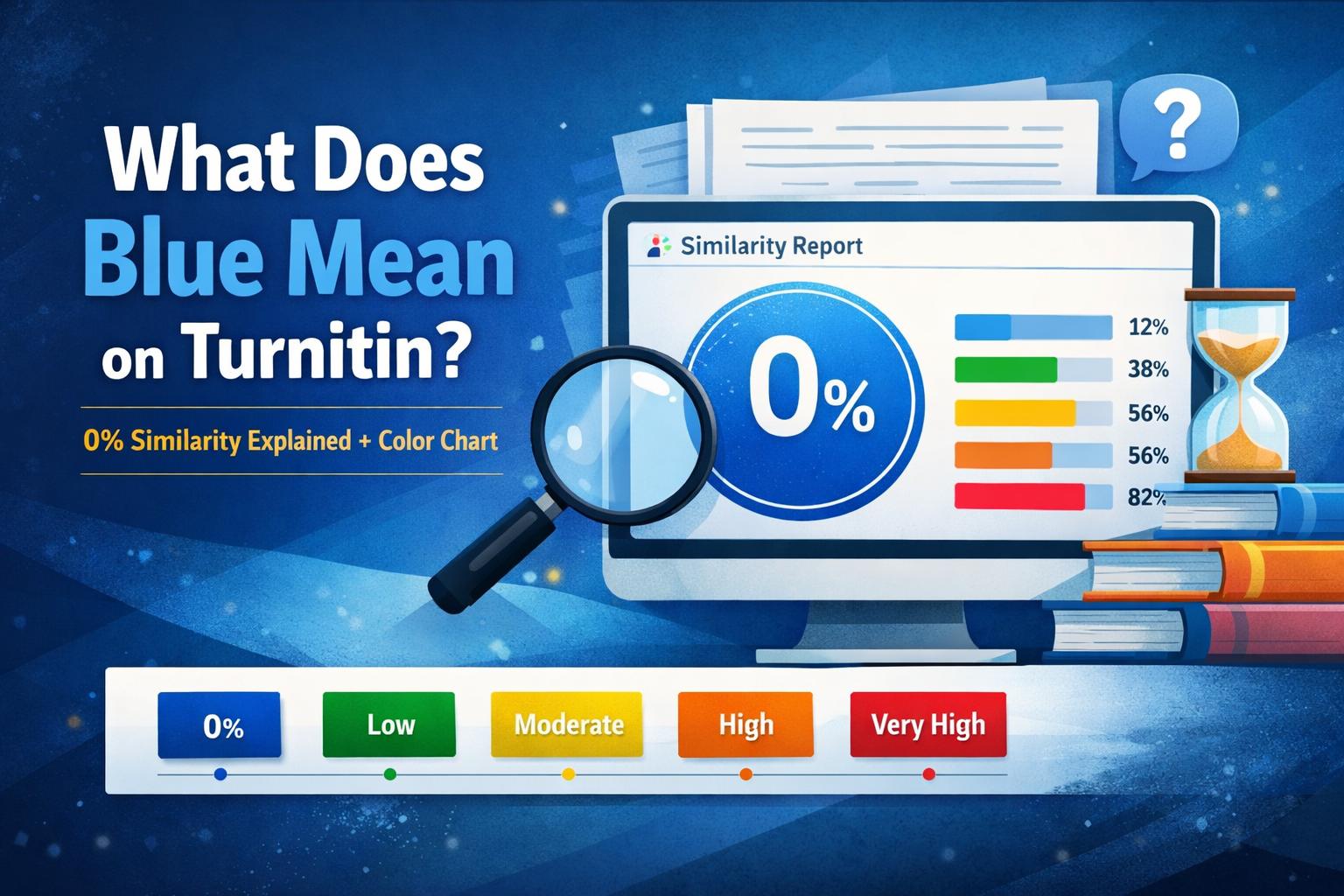
What Does Blue Mean on Turnitin? (0% Similarity Explained + Color Chart)
Blue usually means 0% similarity (no matching text). Here’s what it means, why colors can differ by platform, and how to compare blue vs green/yellow/red.