How to Check Your Turnitin Score Before Submitting (What’s Safe & What Isn’t)
Summary
Who Can Check a Turnitin Score Before Submitting
What the Safest Pre-Check Options Actually Are
How to Interpret a Similarity Score Correctly
Hi, I’m Jordan. I’m an academic advisor. For the past 5+ years, I’ve guided passengers through the “submission maze”: perplexing Turnitin settings, policy questions, and deadline-time panic. The most common factor in a successful journey, is:
You’re not trying to “cheat” the system.
The only reason you want a risk preview is to correct citations, tighten up your paraphrasing, and submit on time, with no surprises.
This guide is straightforward and down to earth. No hacks. No guarantees. Just what’s actually possible. And what’s usually impossible.
Quick judgment (Jordan’s opinion)
How to “check your Turnitin score before submitting” depends on assignment settings (your teacher’s choice) and whether your school has enabled Turnitin Draft Coach. In a lot of classes, you can’t do an “official Turnitin check” on demand, and you may not get a Similarity Report until the due date (and maybe never).
So the safest choice is to: use a school-approved draft workflow (practice submissions, Draft Coach, writing center help) and use Similarity score as a self-check tool, not an ultimate decision.
1. First: what “Turnitin score” usually means
Most students are talking about the Similarity score, the percentage in the Similarity Report. Turnitin calls the report “a summary of the matching or similar text found in the submitted work against its databases.”
Two critical points that spares you from much panic:
● A high similarity score does NOT mean plagiarism.
● A low similarity score does NOT mean you’re “safe.”
If you can take just one thing from this article, let it be this: the number is not a judgment, it’s a baseline.
2. Can students check Turnitin before submitting?
Most of the time: no.
Your instructor and institution control Turnitin access and what you can see. Turnitin Similarity Reports are at the instructor’s discretion to generate or not, and if they do, whether to allow student viewing and when.
There are legitimate exceptions:
1. Your instructor creates a draft/practice submission and allows student view.
2. Your institution has Turnitin Draft Coach enabled (more on that below).
If you don’t have one of those two routes, be careful of anyone who claims to have an “official Turnitin report” at the ready on demand. That’s where students spend money, and sometimes generate privacy headaches.
Turnitin confirms that report visibility depends on assignment settings (Welcome to Turnitin Guides – Turnitin Guides)
3. The safest ways to pre-check (ranked)
Here’s the “ranked” version I share with students, because you need a clear answer when the deadline is close.
Safest options ranked (quick comparison)
Path | Is it “official Turnitin”? | What you actually get | Main risk | Best for |
Instructor draft/practice submission | Yes (course workflow) | Similarity Report (if enabled) | You may not be allowed to view it | Most students (best path) |
Turnitin Draft Coach (if enabled) | Yes (institution-enabled) | Similarity/Citation/Grammar feedback while drafting | Not available unless enabled by school | Drafting + iterative polishing |
Writing center / library support | Not a report by itself | Help interpreting matches + improving citations/paraphrases | Depends on school resources | Students who need coaching |
Third-party “pre-check” tool | No | A risk preview (not the same as Turnitin) | Privacy/storage claims vary widely | When you can’t access school tools |
Turnitin confirms that report visibility depends on assignment settings, and that students may be unable to view reports if access is restricted.
Now, let’s make each option practical.
1) Option 1: Requesting a draft/practice submission from your instructor
This is the best path because it's within your course workflow.
This is what Turnitin literally says in the settings:
● Whether the assignment itself generates Similarity Reports
● Whether students can see their Similarity reports
● Whether reports are generated immediately or on the due date.
What I tell students to ask:
Hi Professor, are students able to view Similarity Reports for this assignment? If so, could you enable a draft/practice submission so we can check citations and paraphrasing before the official submission?
Short. Polite. And it sends the right message (good citation practice, not getting a magic number).
2) Option 2: if your school offers it: Turnitin Draft Coach
Draft Coach is a legit, institution-enabled way of doing similarity checks while drafting, and like, countless students never know they exist until it's too late.
The thing to keep in mind (and why it's so confusing): Draft Coach is only available if your institution has enabled it and you can't just like, turn it on yourself.
If you have access to it, do this:
● Run a check on a finished draft, not a page half-drafted.
● Fix issues that are atually pointed out (missing citation, poor paraphrasing).
● Run a check again after changes but not 15 times in a panic loop.
3) Option 3: Writing center / library support (policy-friendly and under-utilized)
Many schools have academic integrity help centers, writing centers, or libraries that teach students how to contextualize similarity matches. I love this approach because the worst thing a student can do is “have matches”, it’s interpreting what the matches mean.
You don’t need someone to help you “lower your score”.
You need someone to help you spot:
● Which matches are expected (quotes, references, structural templates).
● Which matches require action (missing citations, patchwork paraphrasing).
4. If you want a private pre-check outside your class workflow
Sometimes you can’t get a draft assignment. Sometimes your instructor replies after your deadline. Real life happens.
If you use a third-party pre-check, my safety-first standard is:
Non-negotiable safety standard
● Clear privacy terms (what’s stored, for how long)
● No repository / no indexing (so your draft doesn’t become a future “match”)
● Ability to delete your file/history
● No “guaranteed” claims
If you need a private Turnitin-style pre-check that follows those standards (no repository, no indexing, deletable drafts), you can start a safe pre-check here.
5. Why you might not see a Similarity Report (even after you submit)
This is the “I swear I submitted it—why is there nothing?” moment.
Turnitin explicitly lists “generate on due date” and instructor-restricted student access as common reasons students can't see Similarity Reports immediately (Welcome to Turnitin Guides – Turnitin Guides).
Can’t see your report? Run this 30-second check:
1. Is the assignment set to generate reports “on due date”?
If yes, you may not see anything until the due date passes.
2. Did your instructor allow students to view Similarity Reports?
If student access is disabled, you might never see it—your instructor still can.
3. Did your score change after the deadline?
Some workflows regenerate reports after the due date to compare student submissions against each other (“collusion checking”). That can change your percentage.
My advice: don’t guess. Ask your instructor what’s enabled: student access, on-due-date generation, resubmissions.
6. How should you understand your similarity score (Similarity ≠ plagiarism verdict)
This is where I get opinionated, because it matters.
A Similarity score is a matching percentage, not a moral verdict. Turnitin’s student-facing guidance has a line there to point out that a high score doesn’t automatically mean there’s plagiarism, and a low score doesn’t automatically mean there isn’t.
What the percentage really is measuring
Turnitin’s docs say the similarity score is "how much of the text that you submitted is similar to other texts in Turnitin's databases (web, publications, and student papers)."
That means even perfectly good content can also match:
● Direct quotes (even correctly quoted)
● References/bibliography
● Common terms or standard phrasing
● Templates (lab reports, cover pages, assignment prompts)
What usually makes up Similarity score (the things students get wrong)
Often harmless
● References/bibliography matches
● Correctly quoted sections
● Templates / cover pages
● Typical discipline terms
Often actionable
● Missing citations
● "Patchwork paraphrasing" (replace a few words but keep the same structure)
● Copy/patch leavings from notes or sources
Turnitin and university guidance repeatedly point out that it's up to you to interpret it with human judgment and context. Similarity shows you the matches; it doesn't make the misconduct call on its own.
7. My own practical checklist (what to do within the report)
When you open your report, ask:
● Where are the matches coming from? (sources list)
● Are the matched sections cited?
● Are you over-quoting? (quoting too much can inflate similarity)
● Is your paraphrase really a paraphrase? (copied structure = not a paraphrase; new structure + citation = paraphrase)
● Are templates inflating your score? (cover pages, prompts, repeated headings)
This changes your mindset from "dial down the number" to "endure the writing."
8. “No repository” explained in plain English
Students hear “no repository” and assume “invisible mode.”
Not exactly.
Turnitin’s own assignment settings describe an option like “Do not store the submitted papers”: a Similarity Report is generated, but the submission is not stored in the standard or institution repository for future comparison.
“No repository” — Myths vs Facts
Myth: No repository means my paper is invisible.
Fact: It affects storage for future matching. A Similarity Report can still be generated.
Myth: No repository guarantees my school won’t see anything.
Fact: Visibility depends on workflow and settings. “No repository” is about whether the submission becomes a stored source later—not a blanket privacy cloak.
Myth: No repository is always the best setting.
Fact: It depends. Some instructors want drafts stored (to discourage recycled submissions). Others prefer no repository for drafts so students can revise without creating a self-match later. Turnitin’s student guidance even warns that submitting drafts into a private repository can lead to high similarity when the final draft is submitted.
If you want the deep dive with examples, read: Read Safety: No Repository explained (Welcome to Turnitin Guides – Turnitin Guides)
9. What to avoid (protect your draft + your sanity)
Avoid “official Turnitin score” claims with no institutional context
If a site implies it can provide an official Turnitin report without any mention of assignment settings, institution access, or limitations, that’s a red flag. Turnitin access and report visibility are controlled by settings instructors choose.
Avoid making this a “beat the system” goal
The moment your goal becomes “I must force the number down,” students tend to make worse writing choices—awkward phrasing, meaning drift, citation sloppiness. Similarity tools are meant to help you review and revise responsibly.
Avoid storing drafts in places that can become future matches
If your draft becomes a stored source somewhere, the final version may match it later. Turnitin’s guidance explicitly warns that submitting multiple drafts into a private repository can create a 100% match for a later version.
FAQ
Can I run my paper through Turnitin before submitting?
Sometimes, but usually only through an instructor-created draft/practice assignment (with student viewing enabled) or institution-enabled tools like Draft Coach.
Why can’t I see my Similarity Report until the due date?
Because the assignment may be set to generate reports “on due date,” or your instructor may restrict students from viewing reports. Turnitin explicitly lists both as common causes.
Can my similarity score change after the deadline?
Yes. Some workflows regenerate reports after the due date to compare submissions within the same assignment (collusion checking), which can change the percentage.
What does “no repository” mean?
Turnitin’s settings describe “Do not store the submitted papers” as: a Similarity Report is generated, but the paper isn’t stored in the standard or institution repository for future comparison.
Is there a universal “safe similarity percentage”?
No. Schools, departments, and assignments vary, and similarity isn’t a verdict anyway. Treat the report as a revision guide, not a pass/fail gate.
What should I do if my similarity is high?
Don’t panic. Open the report, identify what’s matching, and fix actionable issues: missing citations, over-quoting, and shallow paraphrasing. A high score can include legitimate similarity; context matters.

Related Articles
View all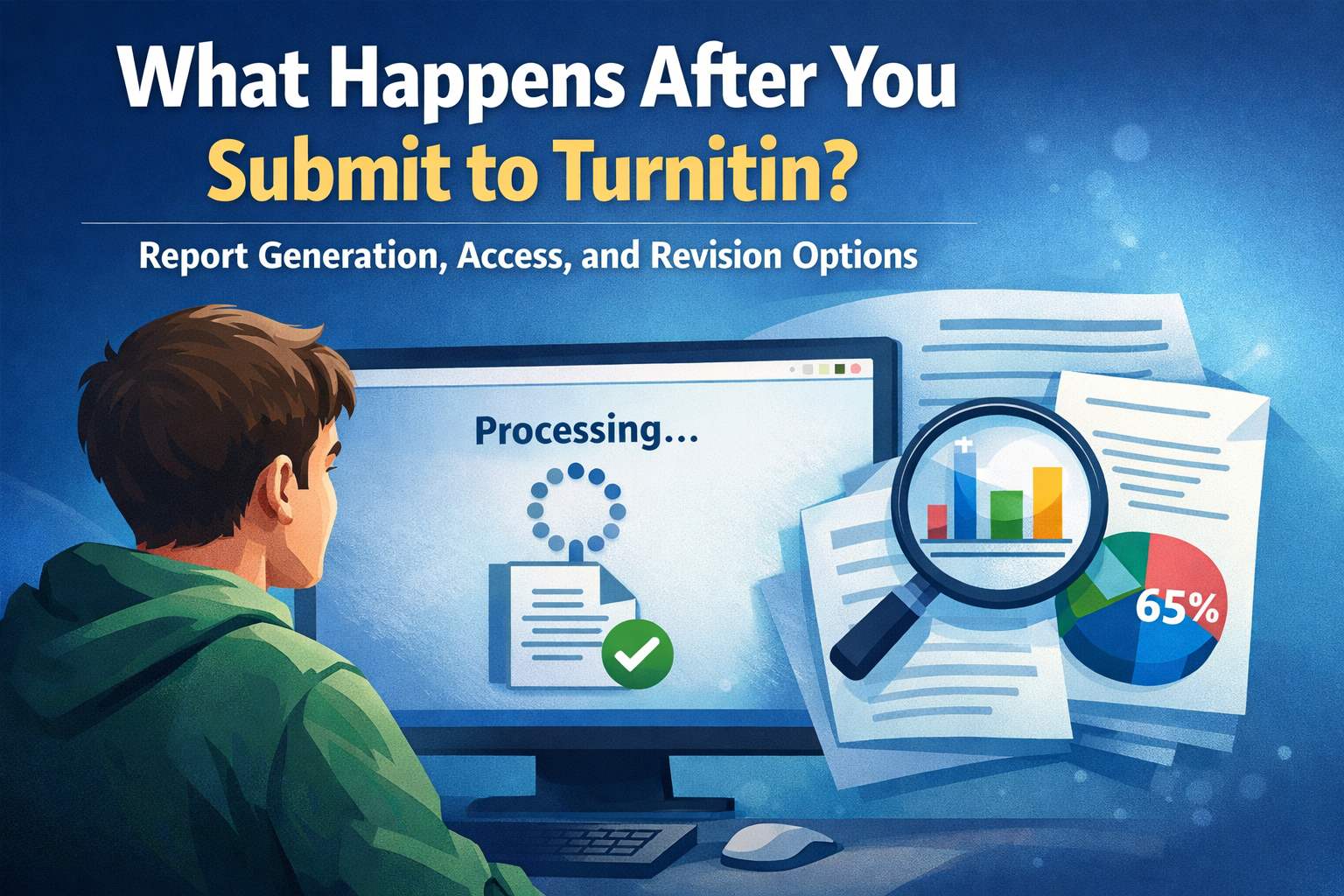
What Happens After You Submit to Turnitin? Report Generation, Access, and Revision Options
What actually happens after you submit to Turnitin, how and when reports are generated, who can access them, and how you can interpret and act on the results.
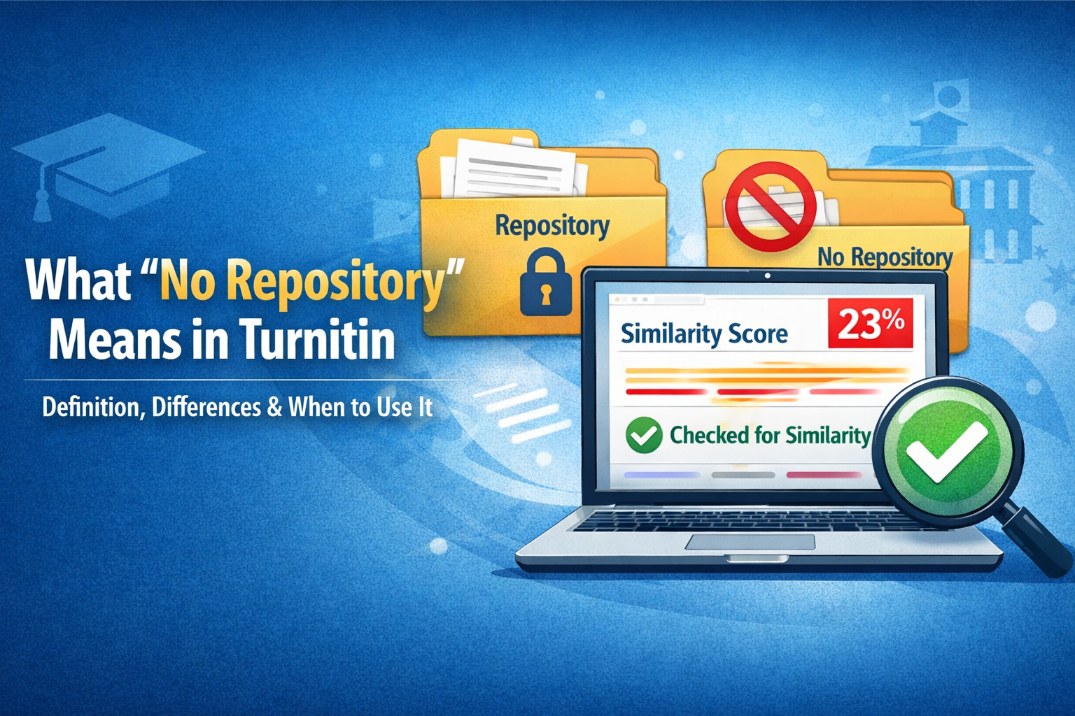
What “No Repository” Means in Turnitin: Definition, Differences & When to Use It
No repository” is a Turnitin submission setting that prevents your paper from being stored in the comparison database. Learn how it affects similarity checks and privacy.
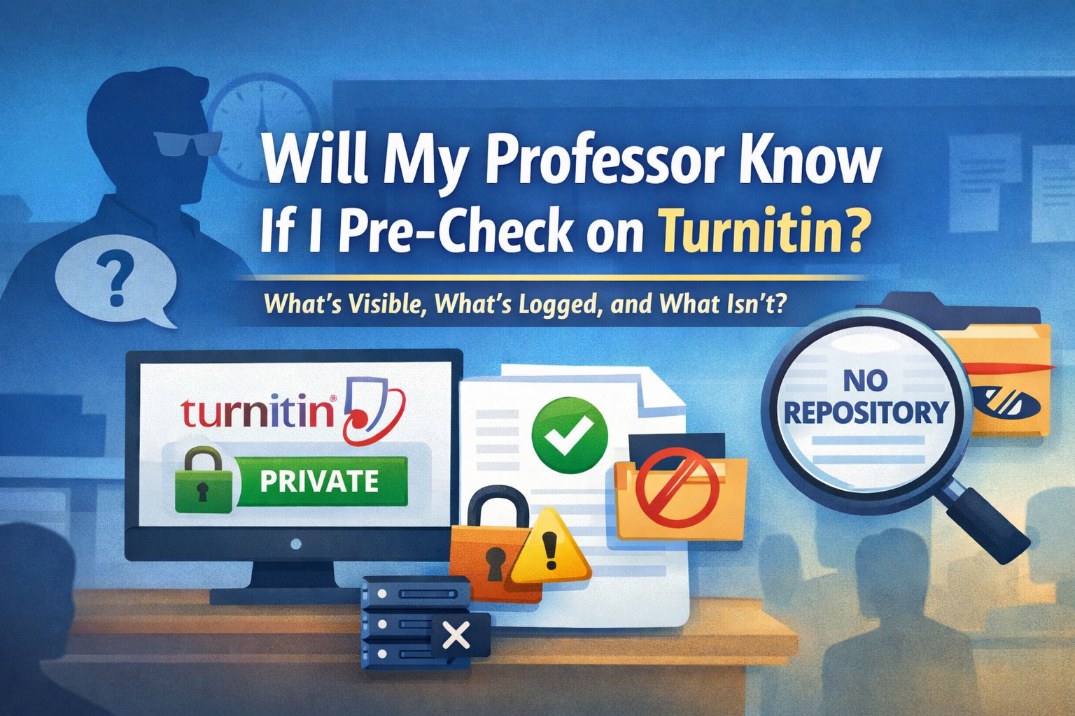
Will My Professor Know If I Pre-Check on Turnitin? What’s Visible, What’s Logged, and What Isn’t
Worried your professor can see a pre-check? Learn what’s visible in class submissions vs private in Draft Coach, and what “no repository” really changes for future matching.